
WordPress malware removal, done thoroughly
WordPress malware removal means cleaning an infection completely — not just running a scanner and hoping. Injected spam, redirects, phishing pages, or a Google blocklist warning spread and damage trust fast. I remove malware directly as a senior developer, clean both the files and the database, and harden the site so it does not come back.
How the cleanup works
I scan the site with professional tools and by hand, then remove the malicious code from the files and the database, replace any compromised core files, and confirm the site is genuinely clean — not just quiet for a day. Malware hides in places automated scanners miss, which is why the manual review matters.
Closing the backdoor
Cleaning is only half the job. I find and close the entry point — the backdoor most scans leave behind — then harden the site with proper updates, strong credentials, and locked-down permissions so it is not reinfected. Reinfection is almost always a sign the original vulnerability was never fixed.
Warnings and ongoing protection
If Google flagged the site, I submit the review request to clear the blocklist warning and restore your standing in search. Ongoing maintenance and monitoring then catches problems early. For a full incident where the site is down or defaced, see fix a hacked WordPress site and emergency support. Get in touch with your access to start.
Manual review, not just a scanner
Automated scanners miss malware that hides in the database, in obfuscated code, or in files disguised as legitimate ones. That is why I combine professional tools with a manual review — so the site is genuinely clean, and the infection cannot quietly persist where a one-click scan would never look.
Clean, then protected
Removing malware is only worthwhile if it stays gone, which is why every cleanup ends with hardening rather than a hopeful goodbye. Once the infection and the backdoor are removed, I lock down the things that let it in — updates, credentials, permissions, and configuration — and can keep the site monitored so anything suspicious is caught early. A clean site that is left as vulnerable as it was before is simply waiting to be reinfected; a clean site that is hardened and watched stays clean. Send me your access and I will get the site cleaned and secured.
What it includes
Malware removal covers:
- Professional and manual scanning
- Cleaning infected files and database entries
- Removing injected spam, redirects, and phishing pages
- Closing the backdoor that let it in
- Clearing the Google "this site may be hacked" warning
- Hardening updates, credentials, and permissions
- Verifying the site is genuinely clean
- Optional ongoing monitoring
Thorough beats cheap
There is no shortage of cheap, automated malware-removal services, and they have their place — but a one-click scanner cannot reason about an unusual infection, find a cleverly hidden backdoor, or judge whether the site is genuinely clean. A senior developer doing the work by hand can. The difference shows up not on the day of the cleanup, but a week later, when a thoroughly cleaned and hardened site stays clean while a superficially scanned one is reinfected through the same hole. If your WordPress site is infected, send me your access and I will clean it properly and secure it against the next attempt.
Sample work
-
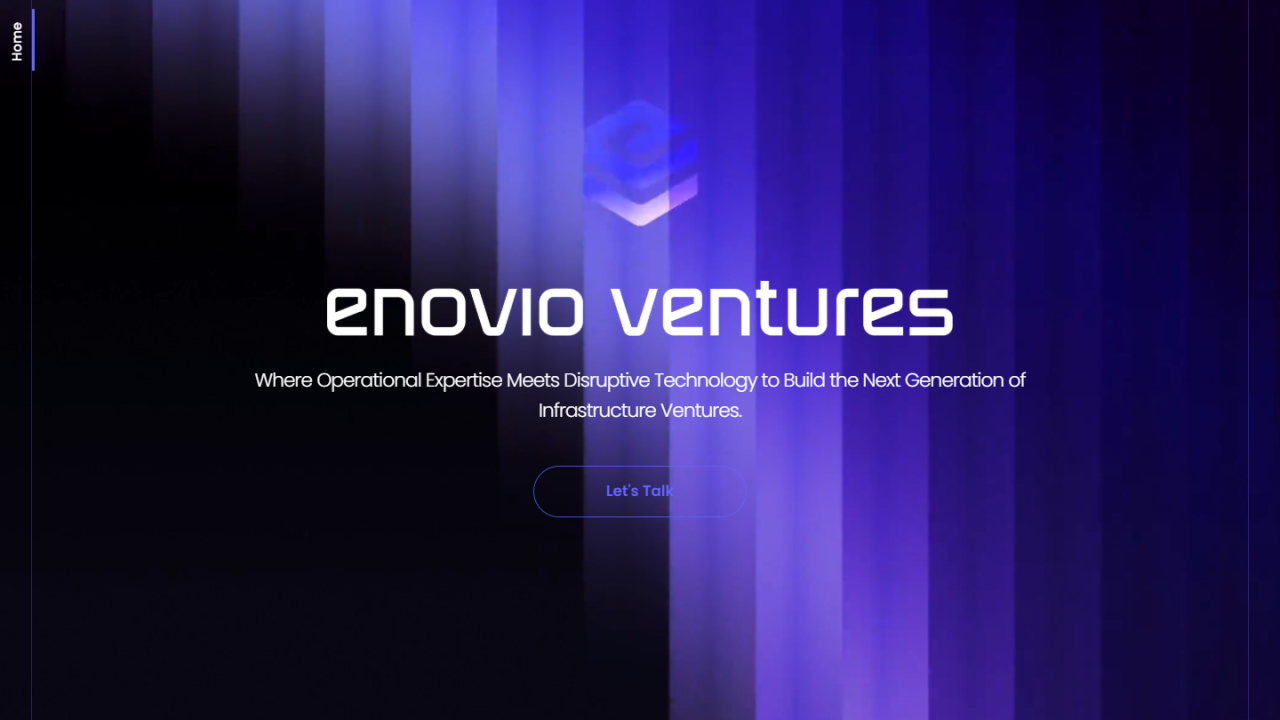 Enovio
Visit site ↗
Enovio
Visit site ↗
-
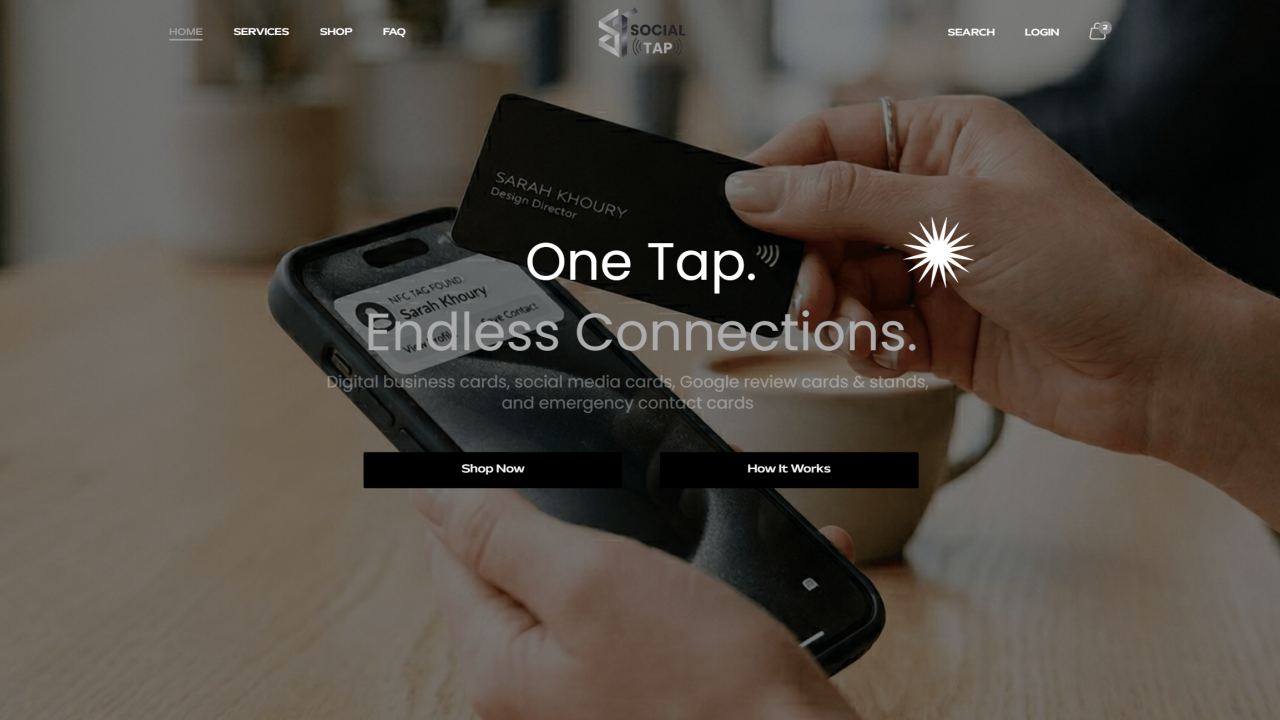 The Social Tap
Visit site ↗
The Social Tap
Visit site ↗
-
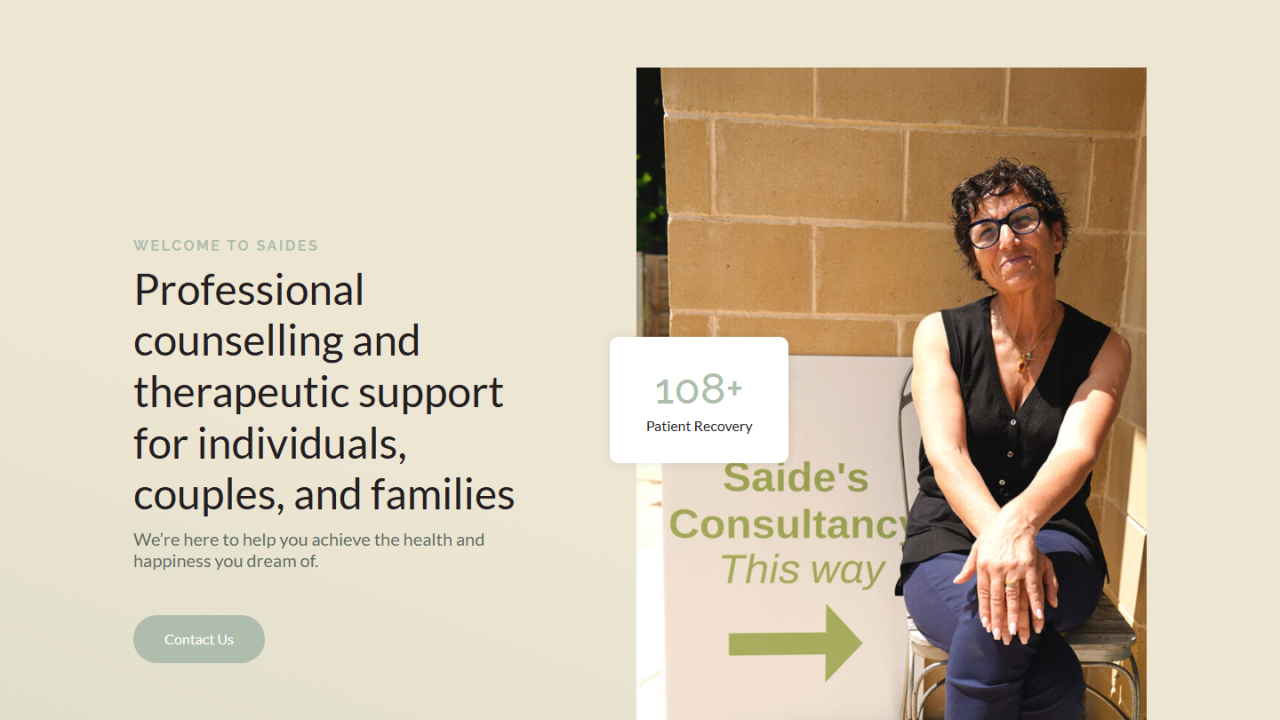 Saides Consultancy
Visit site ↗
Saides Consultancy
Visit site ↗
Related case studies
Other services
Frequently asked questions
How do you remove WordPress malware?
Scan with professional tools and by hand, remove malicious code from files and database, and verify the site is clean.
How long does malware removal take?
Most cleanups are done within hours once I have access; heavy infections take longer.
Will the malware come back?
Not if the entry point is closed. I find and remove the backdoor, then harden the site.
Can you remove a Google 'this site may be hacked' warning?
Yes — I submit the Search Console review after cleaning.
Do you offer ongoing protection?
Yes, through maintenance plans with monitoring so infections are caught early.
What access do you need?
WordPress admin plus hosting or SFTP to scan and clean thoroughly.
Tell me about your WordPress Malware Removal project
Share the constraints, launch pressure, and technical scope.
- Current stack or platform
- Key integrations or APIs
- Timeline and delivery constraints
- The highest-risk technical unknown