
How I fix a hacked WordPress site
A hacked WordPress site is urgent and stressful — browser warnings, a Google blocklist flag, spam or redirects, and lost trust with every visitor. I clean and recover hacked sites directly as a senior developer, not with a plugin-and-hope approach, and the first priority is getting you safe and back online.
A thorough cleanup
I scan the site with professional tools and by hand, remove malware from both the files and the database, and replace compromised core files with clean copies. Crucially, I find and close the entry point. Reinfection almost always happens because the backdoor was left behind, so cleaning only half the site is how people get hacked again a week later.
Clearing Google warnings
Cleaning the site does not automatically restore your reputation. If Google flagged you, I confirm the issues are fixed and submit the review request in Search Console so the hacked or deceptive warning is cleared — usually within a few days. Until then the warning scares away most of your traffic, which is why fast, complete recovery matters.
Hardened so it stays clean
Once recovered I harden and maintain the site — managed updates, strong credentials, locked-down permissions, and monitoring — so it stays that way. For the malware-specific service see WordPress malware removal; if the site is fully down right now, emergency support covers it. Get in touch with your access to start.
Why sites get reinfected
The most common reason a “cleaned” site gets hacked again is that only the visible symptoms were removed and the backdoor was left in place. I treat the entry point as the real job — outdated plugins, weak credentials, a compromised host — so the fix actually holds rather than buying you a few quiet days.
Recovery you can trust
Recovering a hacked WordPress site is as much about trust as technical skill — you are handing someone access to a compromised system at a stressful moment. I am specific about exactly what access I need and why, I keep you informed at each step, and I do not leave until the site is genuinely clean, the entry point is closed, and the protections are in place to keep it that way. The goal is not just a site that looks fixed today, but one that is actually secure tomorrow. Get in touch with what you are seeing and your access, and I will start the recovery straight away.
What it includes
Hacked-site recovery includes:
- Full malware scan of files and database
- Removal of malicious code and spam content
- Replacement of compromised core files
- Finding and closing the entry point
- Clearing Google blocklist warnings
- Hardening to prevent reinfection
- Restoring a clean, working state
- Ongoing protection so it stays clean
Acting fast limits the damage
With a hacked WordPress site, time matters. The longer an infection runs, the more damage it does — more spam indexed, more chance of a Google blocklist warning, more risk your host suspends the account, and more erosion of the trust you have built with visitors and customers. Acting quickly, with someone who knows exactly what to look for, contains the damage and gets you back to safe much faster than trial-and-error or a generic scanner. I treat recovery as the priority it is, then make sure the site is genuinely secured rather than simply cleaned. Get in touch with what you are seeing and your access, and I will start straight away.
Sample work
-
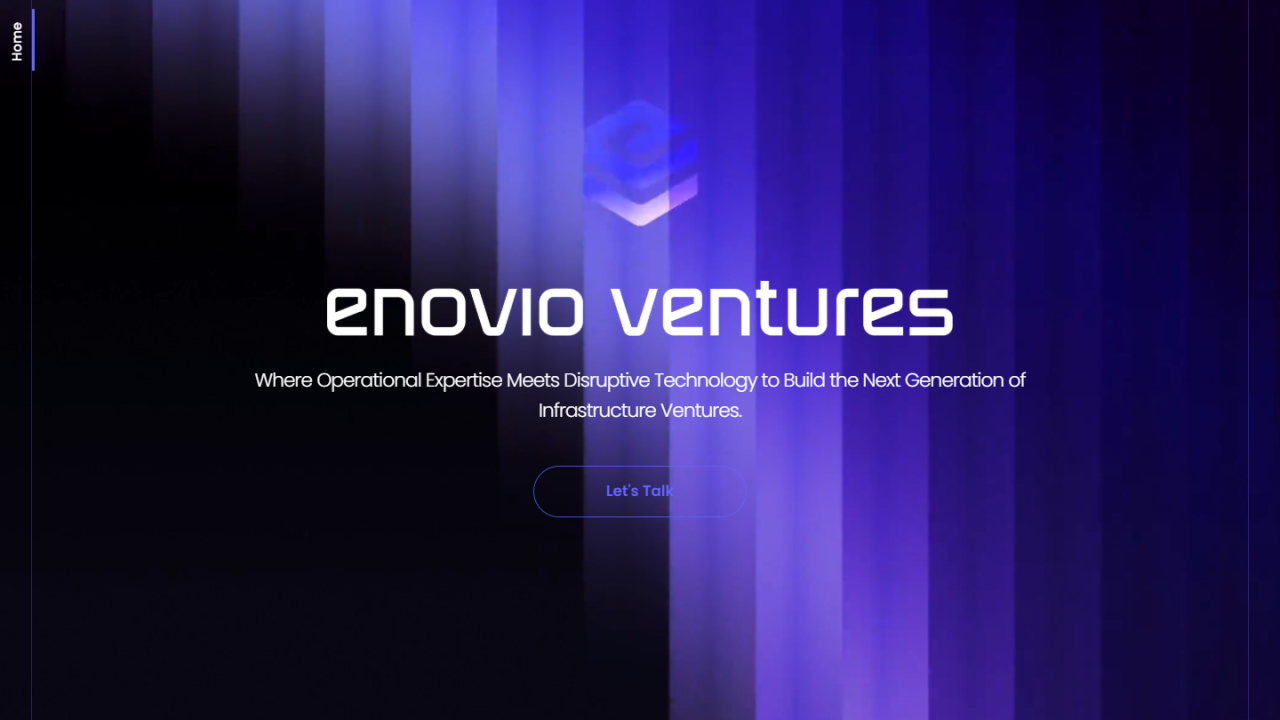 Enovio
Visit site ↗
Enovio
Visit site ↗
-
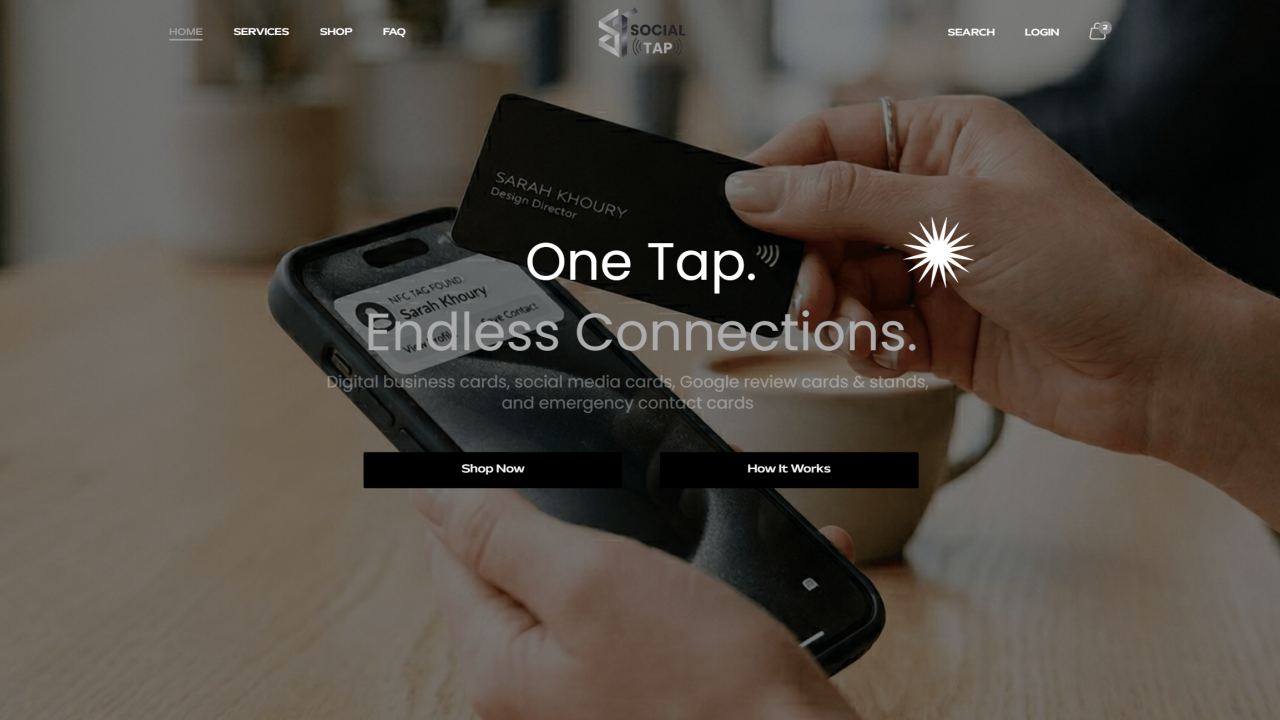 The Social Tap
Visit site ↗
The Social Tap
Visit site ↗
-
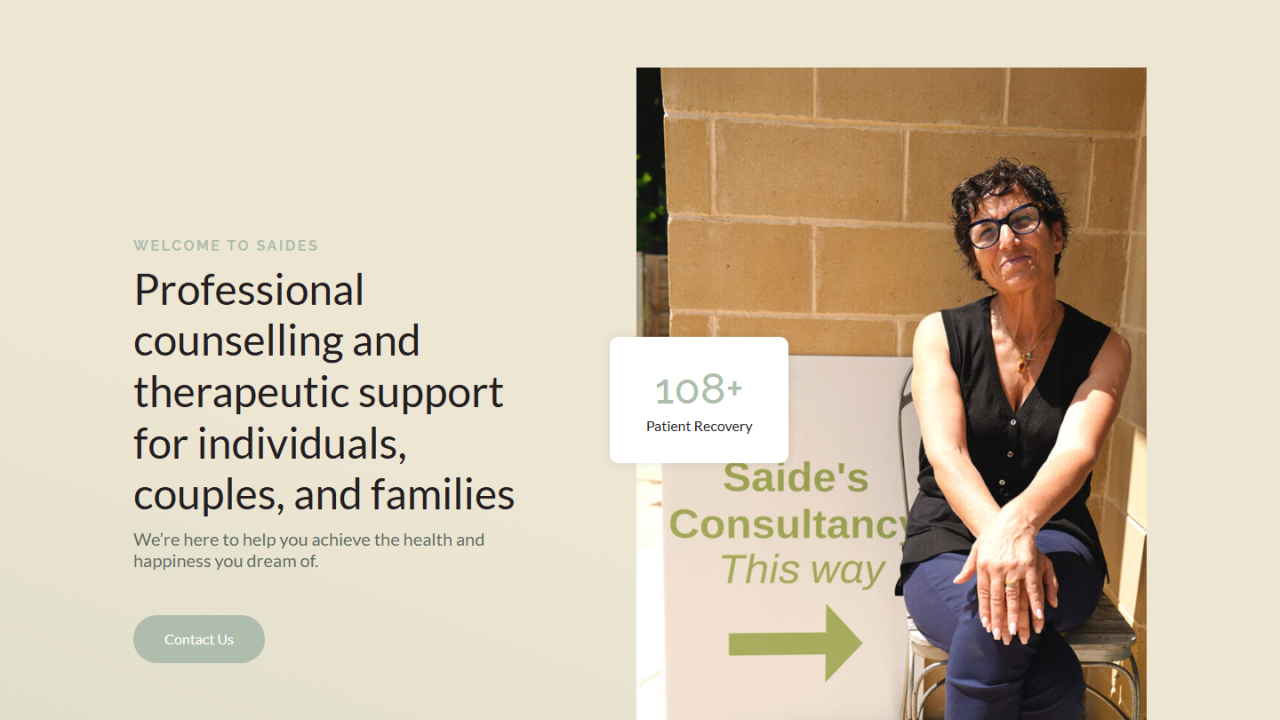 Saides Consultancy
Visit site ↗
Saides Consultancy
Visit site ↗
Related case studies
Other services
Frequently asked questions
How do I know my site is hacked?
Signs include a Google warning, unexpected redirects, spam pages, new admin users, or suspicious files in uploads.
How long does cleanup take?
Most are done within hours once I have access; severe infections take longer.
Will it get hacked again?
Not if the entry point is closed. I clean files and database, then harden against reinfection.
Can you remove the Google blocklist warning?
Yes — after cleaning I submit the Search Console review to clear it.
What access do you need?
WordPress admin plus hosting or SFTP, and a recent backup if you have one.
Do you prevent future hacks?
Yes — hardening and ongoing maintenance dramatically reduce the risk.
Tell me about your Fix a Hacked WordPress Site project
Share the constraints, launch pressure, and technical scope.
- Current stack or platform
- Key integrations or APIs
- Timeline and delivery constraints
- The highest-risk technical unknown