
Emergency WordPress support, fast
When a WordPress site goes down — a white screen, a database error, a failed update, or a hack — every minute is lost traffic, sales, and trust. I provide emergency WordPress support directly as a senior developer: you talk to the person fixing it, not a ticket queue, and the first priority is getting you back online.
The failures I triage
I handle the situations that take sites down: the white screen of death, “error establishing a database connection”, 500 and fatal PHP errors after an update, plugin and theme conflicts, and sites broken by a bad migration. Send what happened and your access, and I start diagnosing straight away — genuine emergencies get priority.
Hacked or infected
If the site was hacked or is showing malware warnings, cleanup is only half the job. I remove the infection, find and close the entry point (the backdoor most cleanups leave behind), restore a clean state, and clear any Google “this site may be hacked” warning. See malware removal and fix a hacked WordPress site for the detail.
Fix first, then prevent
Once the fire is out, I tell you why it happened and fix the underlying cause — often performance or technical debt that left the site fragile. Ongoing maintenance then cuts the odds of a repeat. Site down right now? Get in touch with what happened and your access — the sooner I see it, the sooner it is back.
What to send me
To start fast, tell me what happened, when it began, any recent changes or updates, and how I can access the site — WordPress admin, and hosting or FTP if needed. I only ask for the access required to diagnose and fix the problem, and I move as quickly as the situation demands.
Calm, fast, and senior
An emergency is the wrong time to be passed between support tiers or asked to read a knowledge-base article. When your site is down you want one capable person who can diagnose the real problem quickly and fix it, then tell you plainly what happened and how to stop it recurring. That is exactly what I provide: direct, senior help, a fix-first approach, and an honest account afterwards — no jargon, no upsell, just your site back online and an explanation you can actually use. If something is broken right now, send me the details and I will tell you straight away whether I can take it on.
What it includes
Emergency support commonly handles:
- The white screen of death
- Error establishing a database connection
- 500 and fatal PHP errors after an update
- Plugin and theme conflicts
- Sites broken by a failed migration
- Hacked or defaced sites
- Malware warnings and Google blocklisting
- Getting you back online, then root-causing the cause
Sample work
-
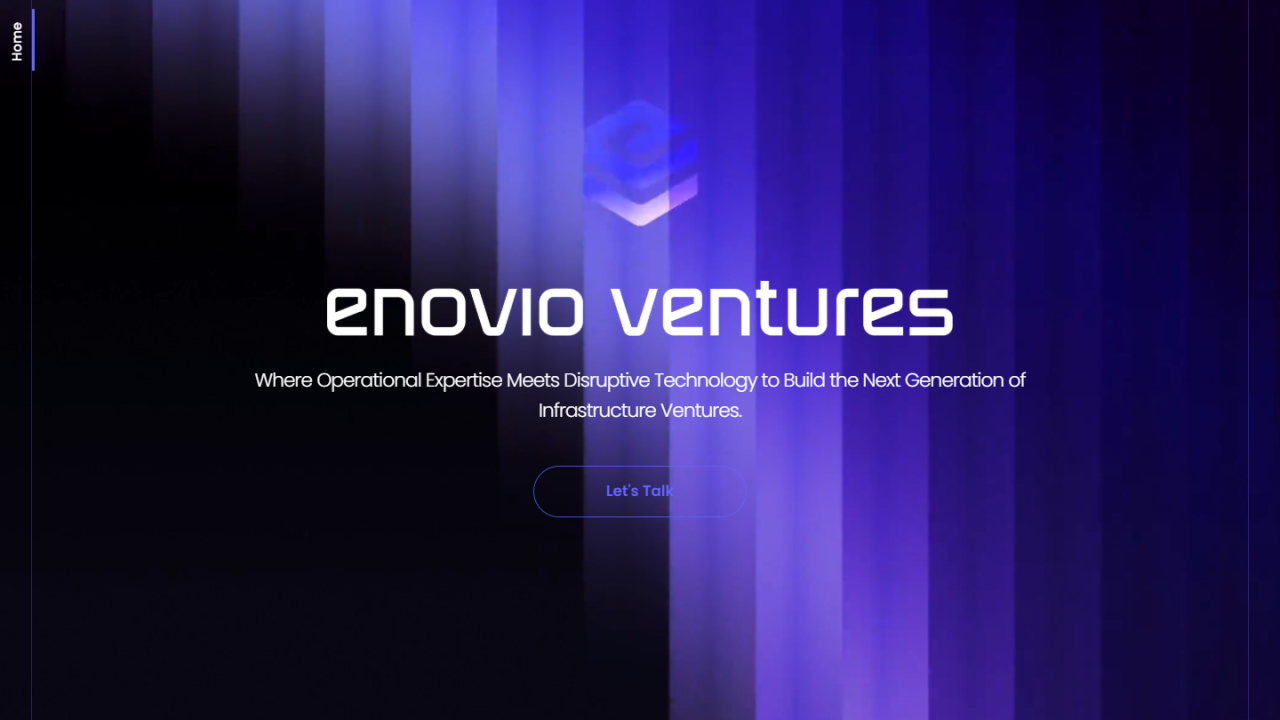 Enovio
Visit site ↗
Enovio
Visit site ↗
-
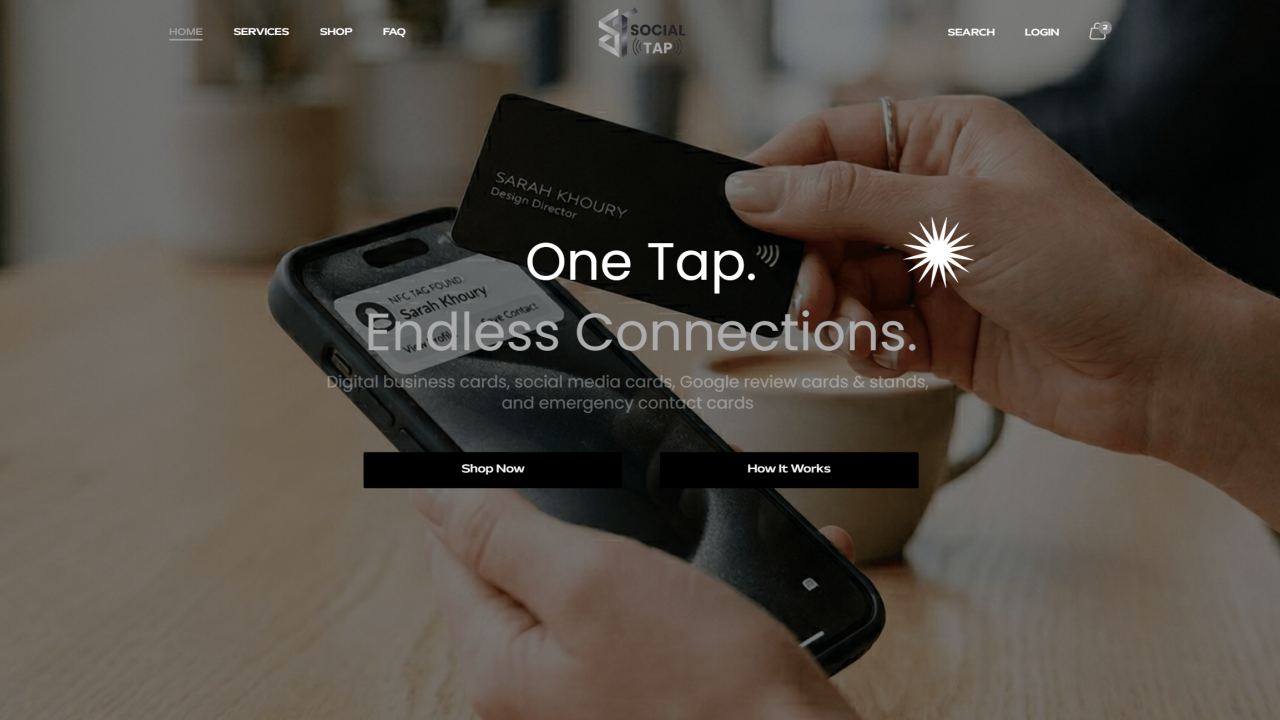 The Social Tap
Visit site ↗
The Social Tap
Visit site ↗
-
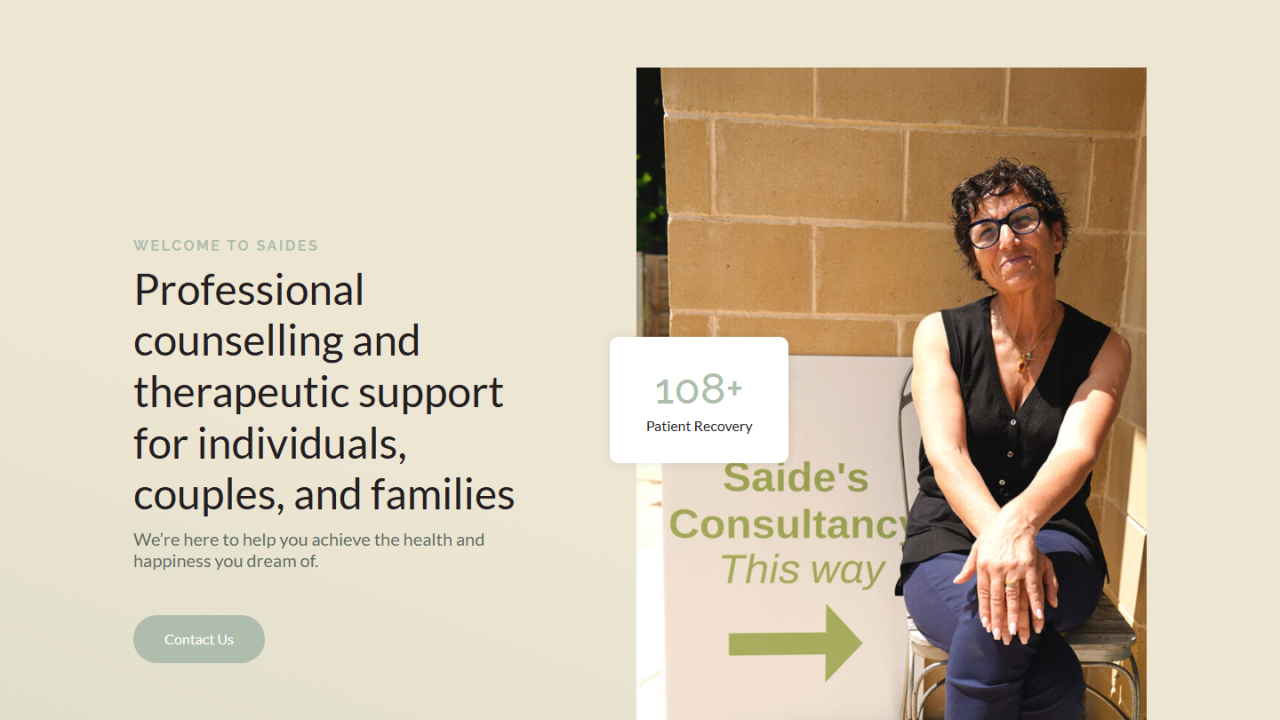 Saides Consultancy
Visit site ↗
Saides Consultancy
Visit site ↗
Related case studies
Other services
Frequently asked questions
My site is down — how fast can you help?
I reply within one business day, and problems reported before 5 PM Cairo time are handled the same day. Send the error and access and I pick it up as soon as my client hours begin.
Can you fix the white screen of death?
Yes — usually a plugin or theme conflict, a PHP error, or a memory limit. I find the cause and restore the site.
My site was hacked — can you clean it?
Yes — remove the malware, close the backdoor, restore, harden, and clear any Google warning.
'Error establishing a database connection' — can you fix it?
Yes — usually credentials, a corrupted database, or the DB server. I diagnose and restore.
Do you work outside business hours?
My client hours start at 5 PM Cairo time (10 AM New York, 3 PM London). I do not offer 24/7 cover, and I reply within one business day.
What do you need to start?
What happened, when, recent changes, and WordPress admin plus hosting if needed.
Tell me about your Emergency WordPress Support project
Share the constraints, launch pressure, and technical scope.
- Current stack or platform
- Key integrations or APIs
- Timeline and delivery constraints
- The highest-risk technical unknown